
Install License Web on Windows
Run the License Web installer on Windows and open the portal for the first time.
This page shows how to install License Web on Windows. Check the system requirements first.
Before you begin#
- Download the installer for your processor: x64, x86 or ARM64.
- Sign in with an account that has administrator rights.
Run the installer#
-
Right-click the installer and select Run as administrator.
-
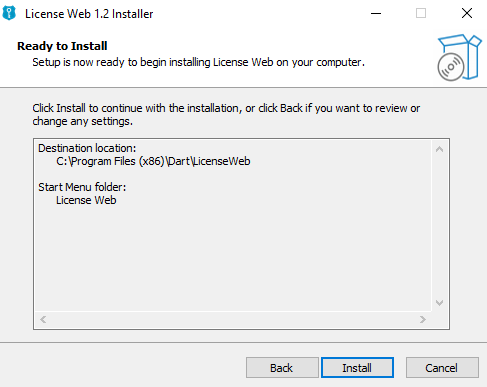
Follow the steps in the installer wizard.
- Select Finish. The final screen shows how to get started.
License Web is now running at http://localhost:7070.
Next steps#
- Set up License Web with the setup wizard.
- To change the port, or to add more endpoints and HTTPS with SSL, see Endpoints.
- To publish License Web behind a reverse proxy (the more secure option), see Configure a reverse proxy.