
Activation
Activate or deactivate your AD Web product key, for example to move AD Web to a new server.
Use the Activation page to deactivate your product key and activate it again. You need this when you move AD Web to a new server and want to keep the same product key.
To activate AD Web the first time, see Set up AD Web.
Deactivate your product key#
- Go to Admin > Activation.
-
Select Deactivate.
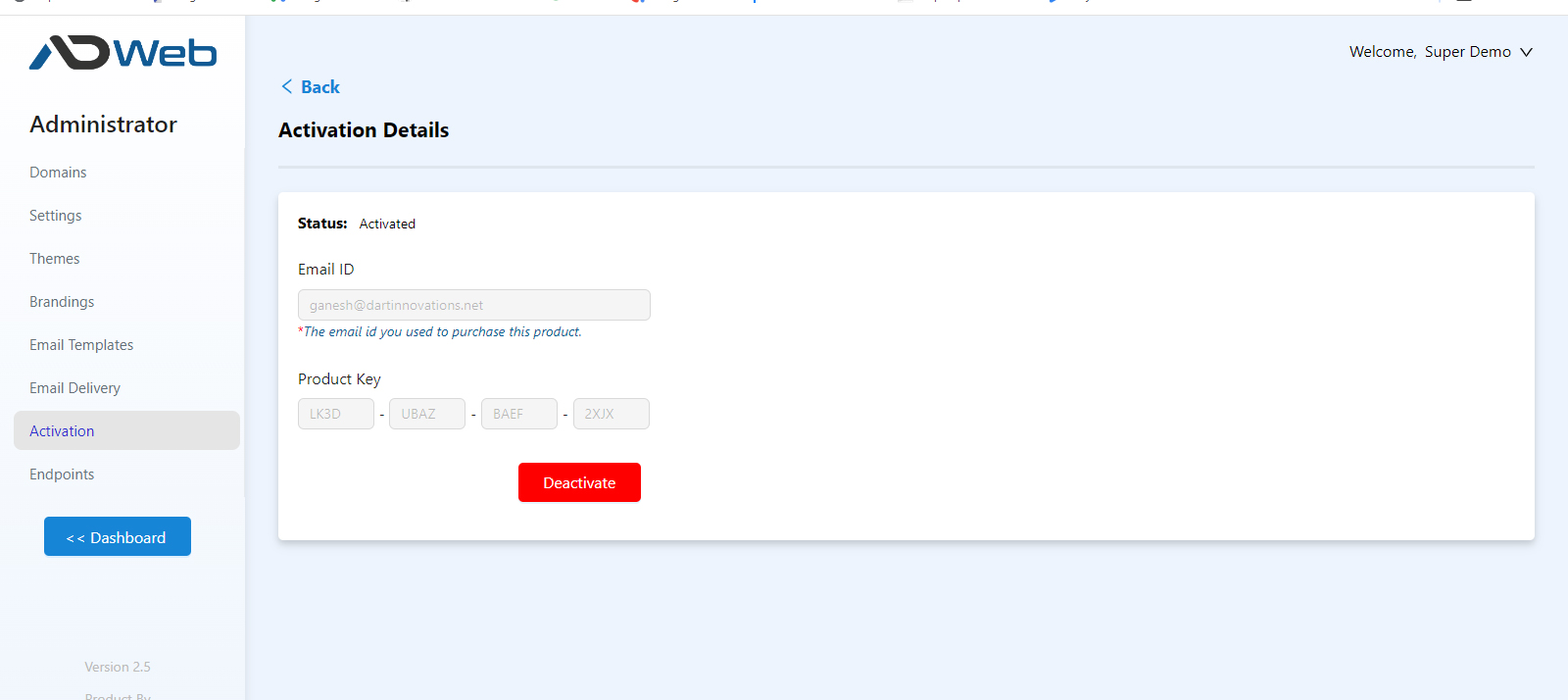
Deactivation is immediate. You can then use the key on another instance, whether it's a fresh installation or a copy of this one.
Warning
A product key works on one system at a time, even if you copy the whole installation. Deactivate the key on the first instance before you use it on the next.
Troubleshooting#
If deactivation fails with a network error, make sure the server can reach *.dartinnovations.com.