
Install AD Web on Windows
Run the AD Web installer on Windows and open AD Web on its default address, http://localhost:6060.
This page shows you how to install AD Web on a Windows computer or server.
Before you begin#
- Check the system requirements.
- Download the installer for your processor: x64, x86 or ARM64.
Watch the video: Getting started in 5 minutes
Install AD Web#
- Run the installer as an administrator.
-
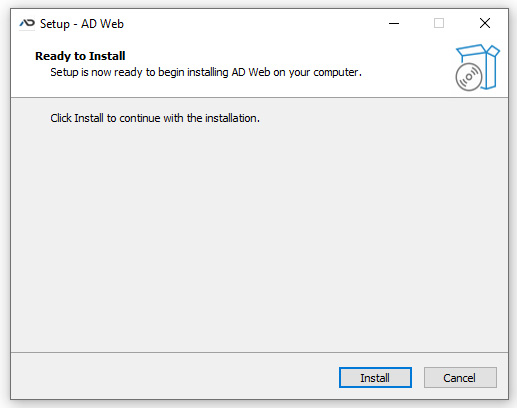
Follow the installer wizard. On the Ready to Install page, select Install.
-
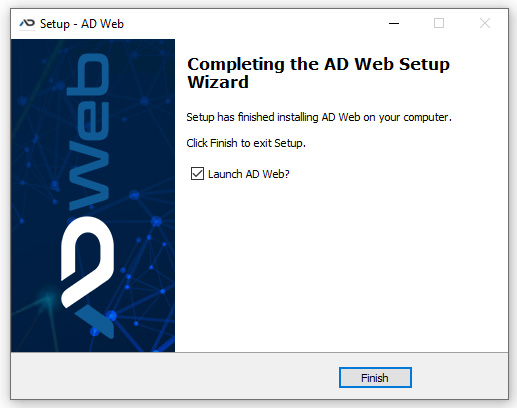
On the finish screen, read the instructions for getting started.
Open AD Web#
After installation, open AD Web at http://localhost:6060. You can also use 127.0.0.1 or the computer's IP address with port 6060.
On your first visit, AD Web opens the setup wizard. See Set up AD Web.
Next steps#
- To change the port or add HTTPS endpoints, go to Admin > Endpoints. See Endpoints and SSL.
- Running AD Web behind a reverse proxy such as IIS, nginx or Apache is the more secure option. See Configure a reverse proxy.