
Email delivery
Set up how AD Web sends email, using SMTP, Gmail or Google Workspace OAuth, or Office 365 OAuth.
AD Web sends notification and password reset emails. This page shows you how to choose and configure the delivery method.
AD Web supports three methods:
- Standard SMTP authentication
- Gmail or Google Workspace (G Suite) OAuth
- Office 365 OAuth
You can also use different email delivery settings for a single domain. See Manage domains.
Choose a method#
Go to Admin > Email Delivery and select your method under Authorization Protocol.
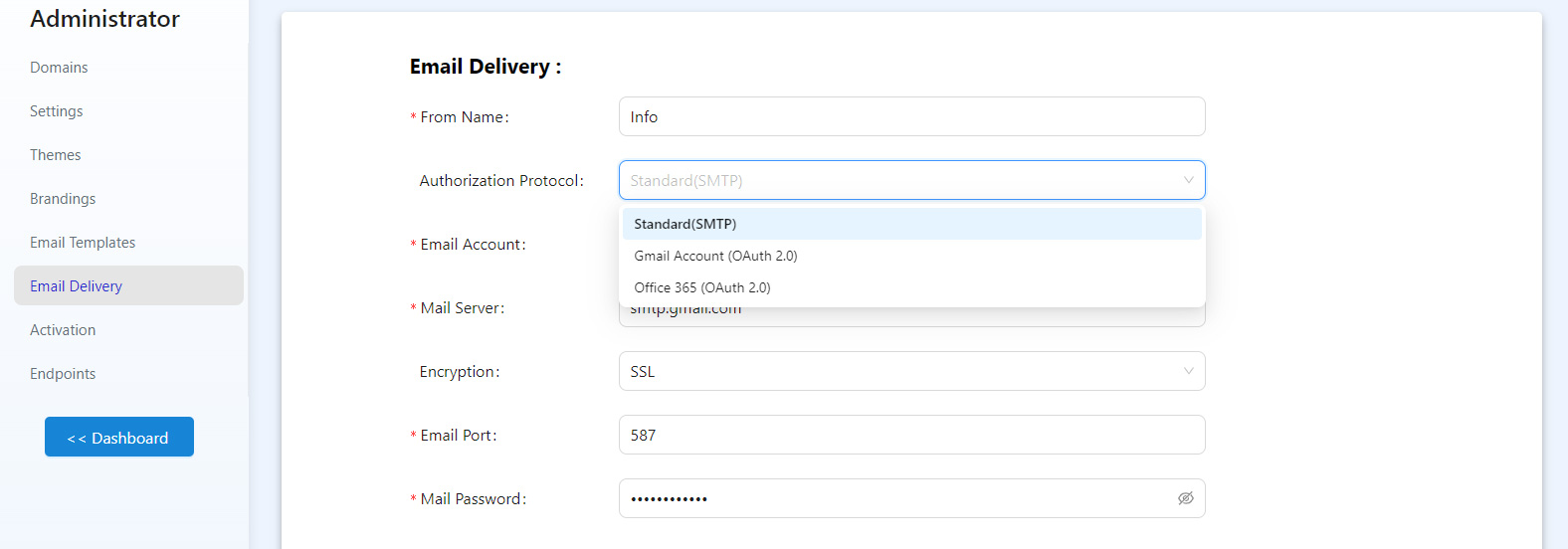
When you finish, select Test Connection to check that email delivery works.
SMTP#
This is the most common method. Get the SMTP settings from your email provider's documentation, or from Outlook or another email client. Make sure the encryption protocol and port match what your provider requires.
Gmail or Google Workspace OAuth#
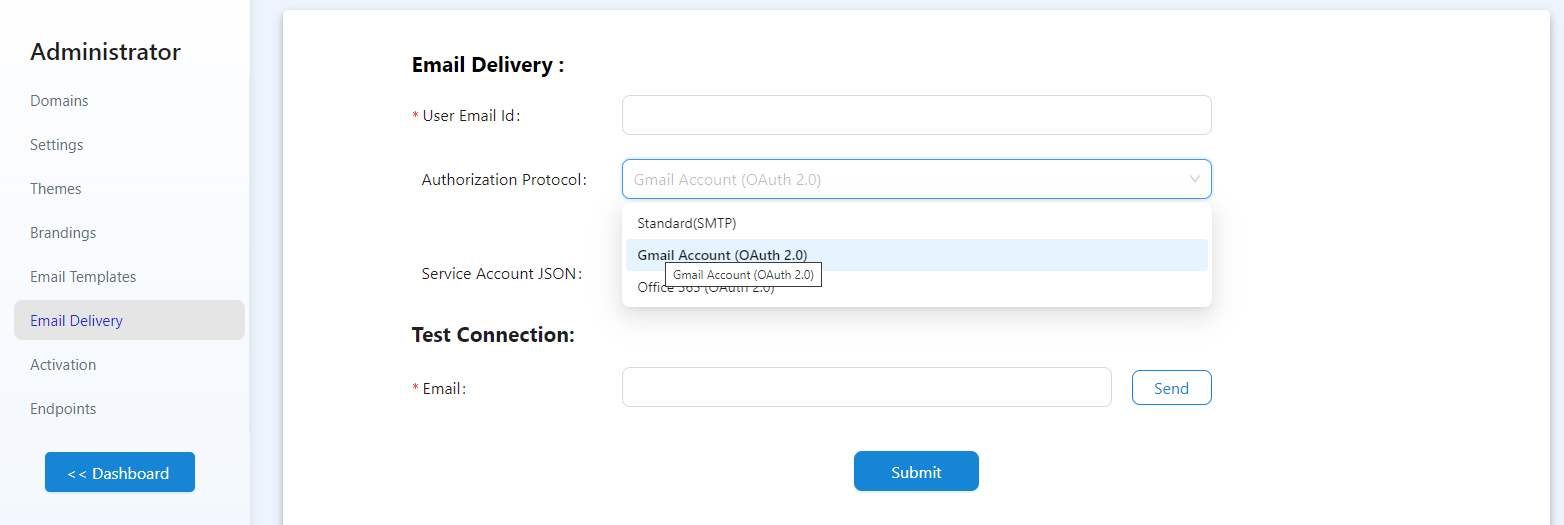
Generate an OAuth JSON file in Google Workspace, then upload it on this page. For the steps to create the file, see Setting up Gmail OAuth for your web application.
Office 365 OAuth#
Office 365 also offers OAuth authentication for sending email. For the first-time setup in your Microsoft account, see Setting up Office 365 email OAuth for your web application.
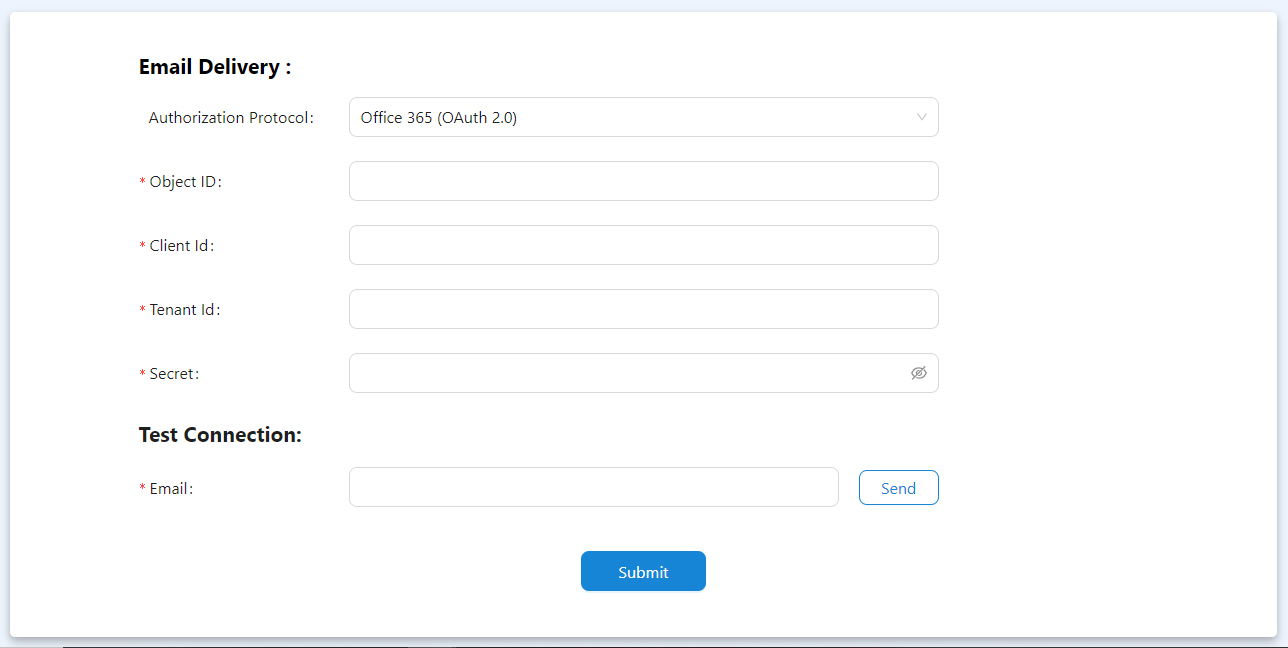
Enter the four values from your account:
- Object ID
- Client ID
- Tenant ID
- Secret