
Colour master
Add the colours and coat types you use to describe pets.
The Colour master lists the colours and coats of animals. Most common colours are already in the list.
Add a colour#
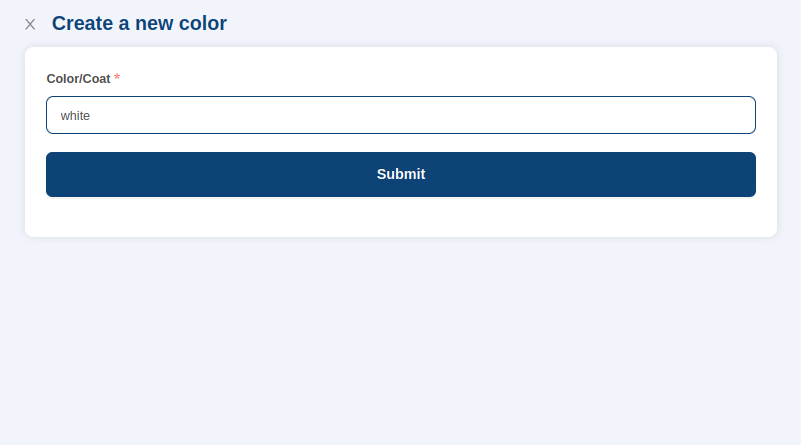
- Go to Masters > Color and select Add Colour at the top right.
- Enter the colour.
- Select Submit.
The colour appears in the list.
Edit a colour#
Select the edit icon next to the colour in the Action column, make your changes and save.
Where it is used#
You choose the colour or coat when you add a pet. Each animal in the Animal master can also have a default colour. To learn about deleting entries, see Masters.