
Videos
Watch short videos on getting started with VetNvet, search, and prescription templates.
These videos show VetNvet in use. Start with the getting started video if you are setting up a new clinic.
Getting started with VetNvet in 5 minutes#
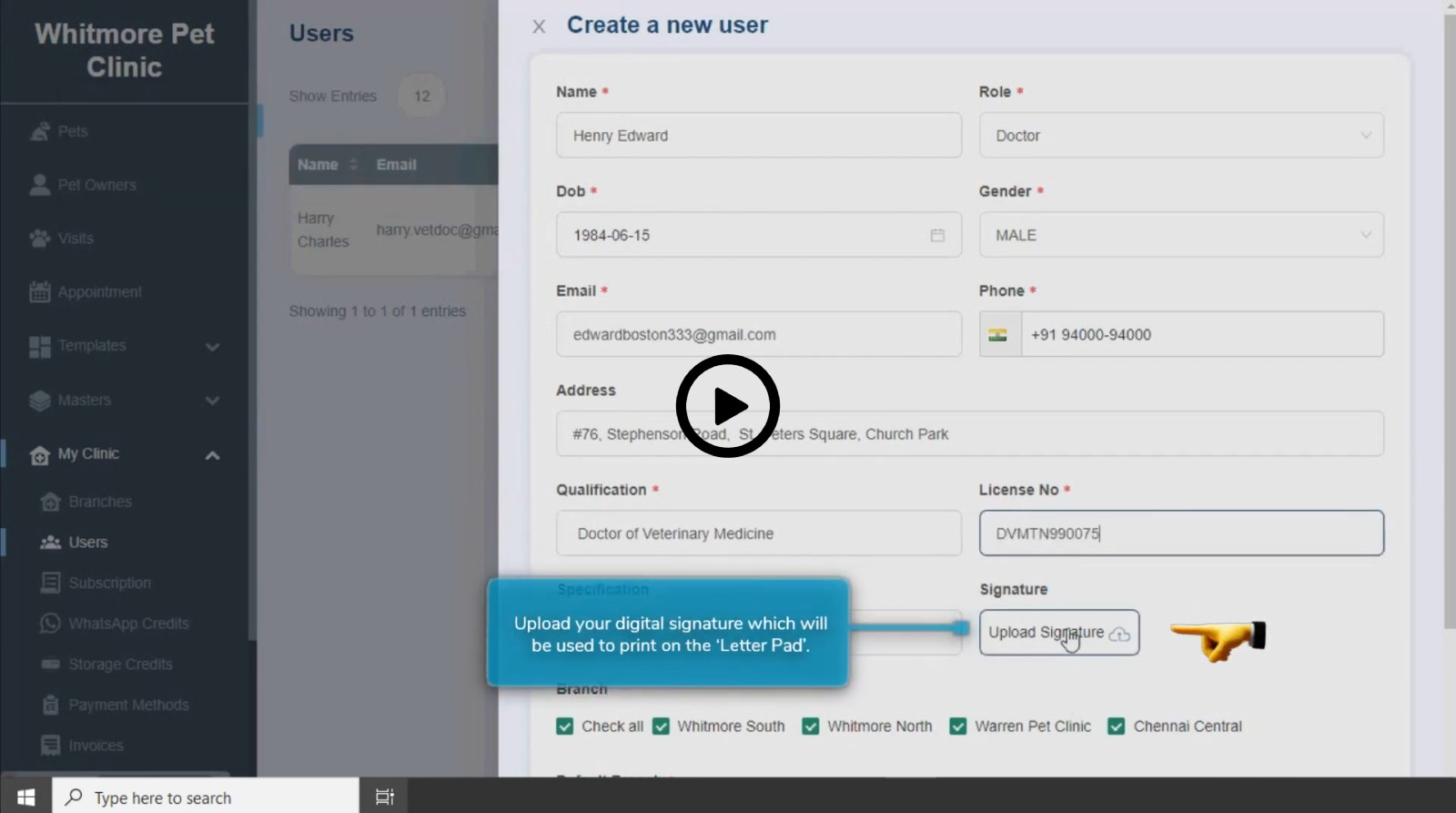
This video shows the settings and features to set up before you see your first patient:
- Set up your clinic details.
- Add branches and set up branch features.
- Add users and give them the right roles.
- Set up a letter pad template for printing and sharing.
- Use the medicine master and prescription templates.
Watch the video: Getting started with VetNvet in 5 minutes
For written steps, see Clinic and branches, Add users and roles, Letter pad templates and Prescription templates.
VetNvet practice management software#

An overview of VetNvet. It shows how VetNvet helps you set practice routines for your team, communicate with clients and keep track of each pet's history, without paper.
Search#
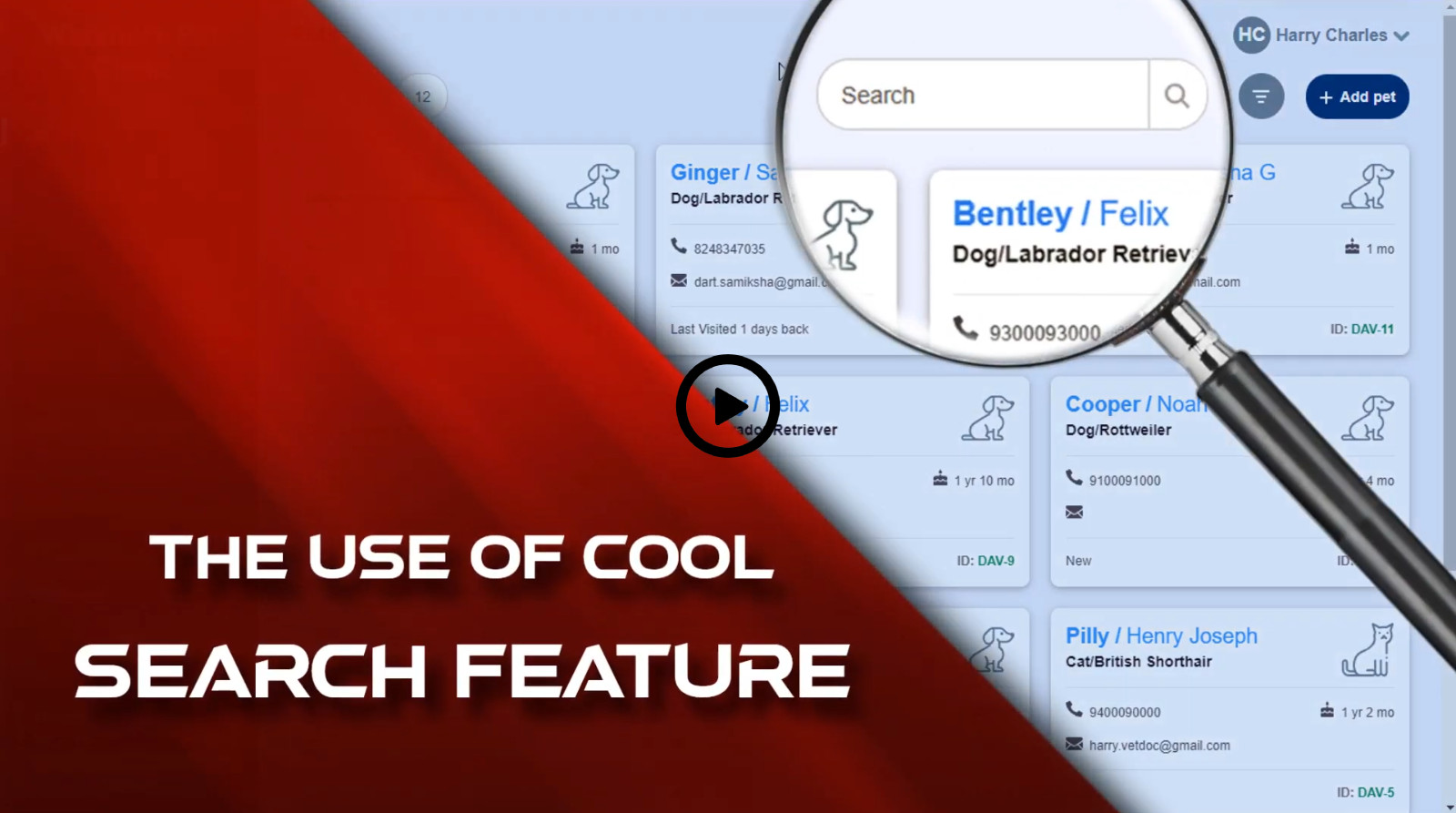
This video shows how to find records quickly. You can search by pet name, owner name, mobile number, animal or colour. Search is available on all screens.
For written steps, see Search and filter pets.
Prescription templates#
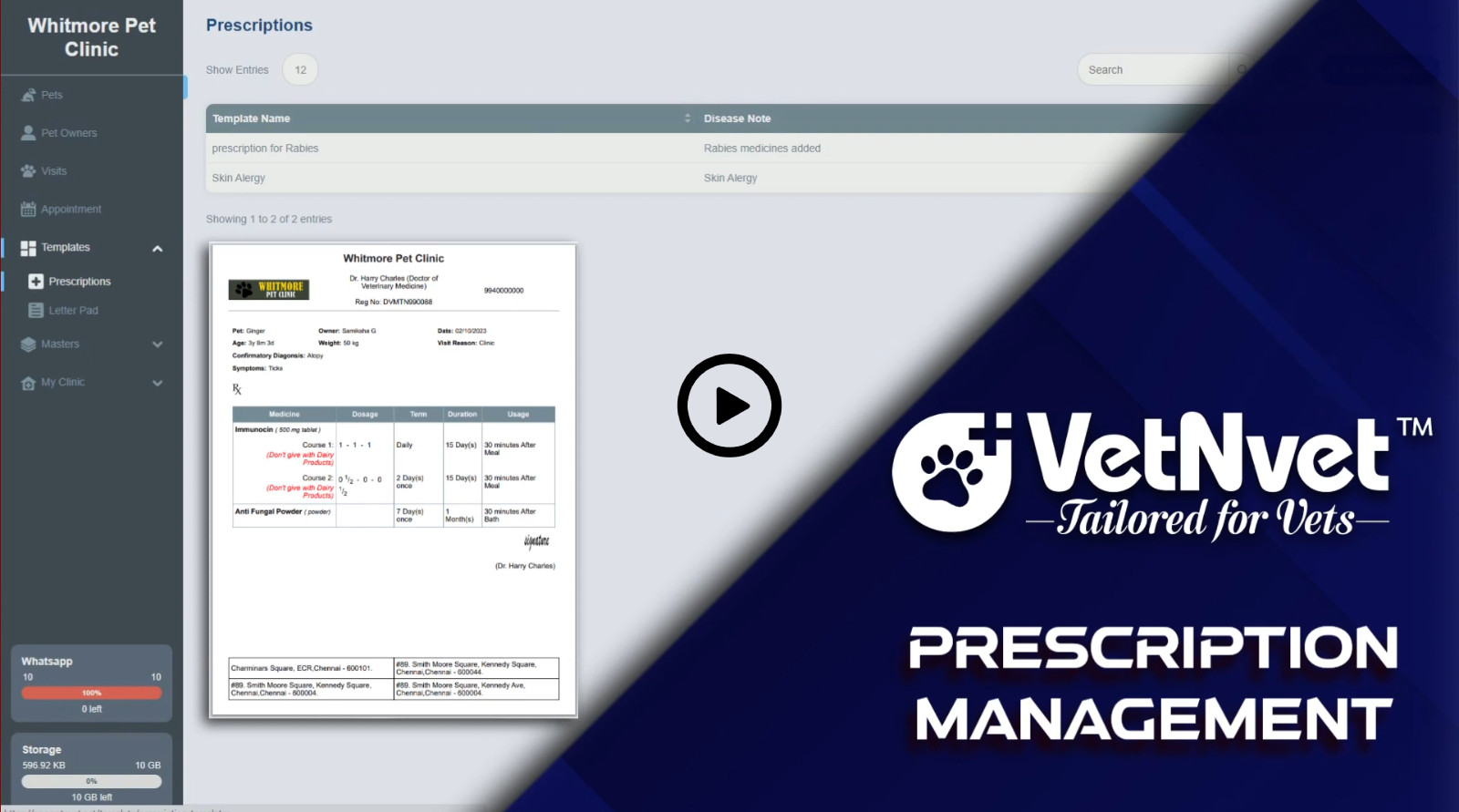
This video shows how prescription templates save time. You learn how to set up dosage, usage, terms and more, and how to use courses for detailed prescriptions.
For written steps, see Prescription templates.