Manage owners with several pets
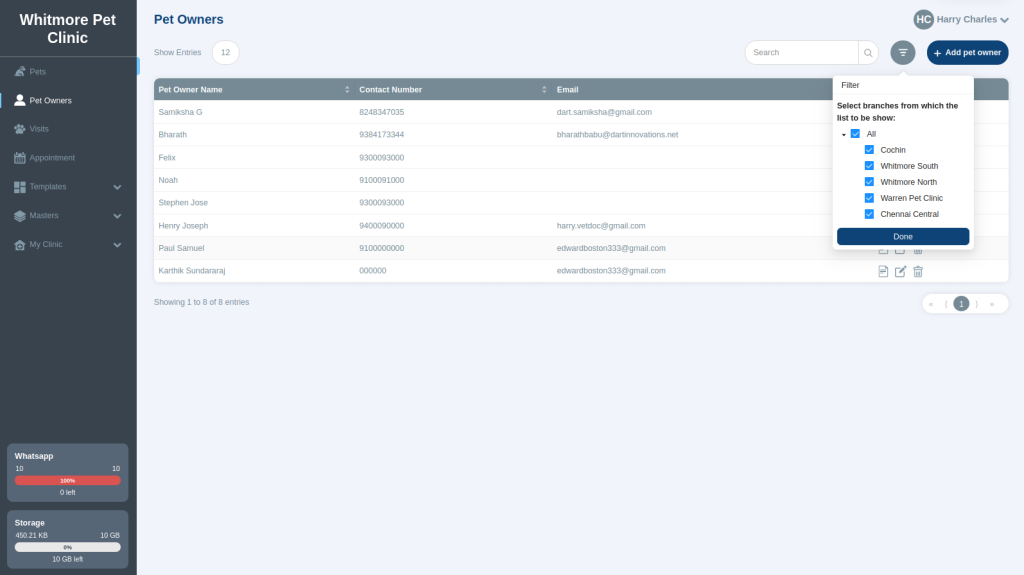
See and add all the pets that belong to one owner, and find owners with search and filters.
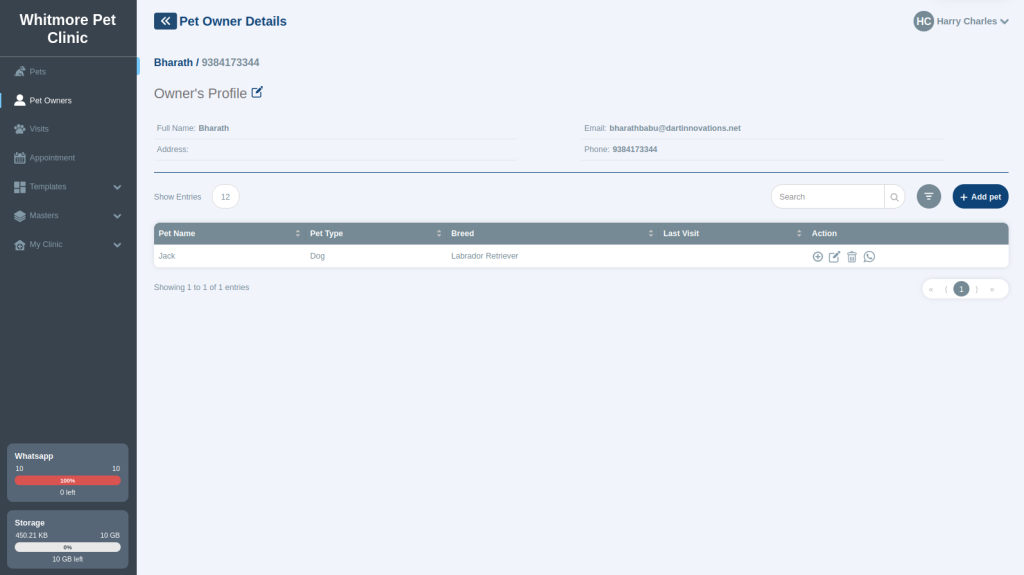
An owner can have several pets, for example two dogs and a cow. The owner's details page shows all their pets in one place. This helps when an owner brings more than one pet for a vaccination or check-up.
See and add an owner's pets#
- Go to Pet Owners.
- Select view details for the owner. All the owner's pets are listed.
- To add another pet for this owner, add it from this page.
Find an owner#
- Search: Type in the search box at the top right. You can search by name, phone number and more. You can type part of a word or number.
- Filter: If your account has more than one branch, use the filter to show owners from one branch only.